
How to scale models by bone in Blender
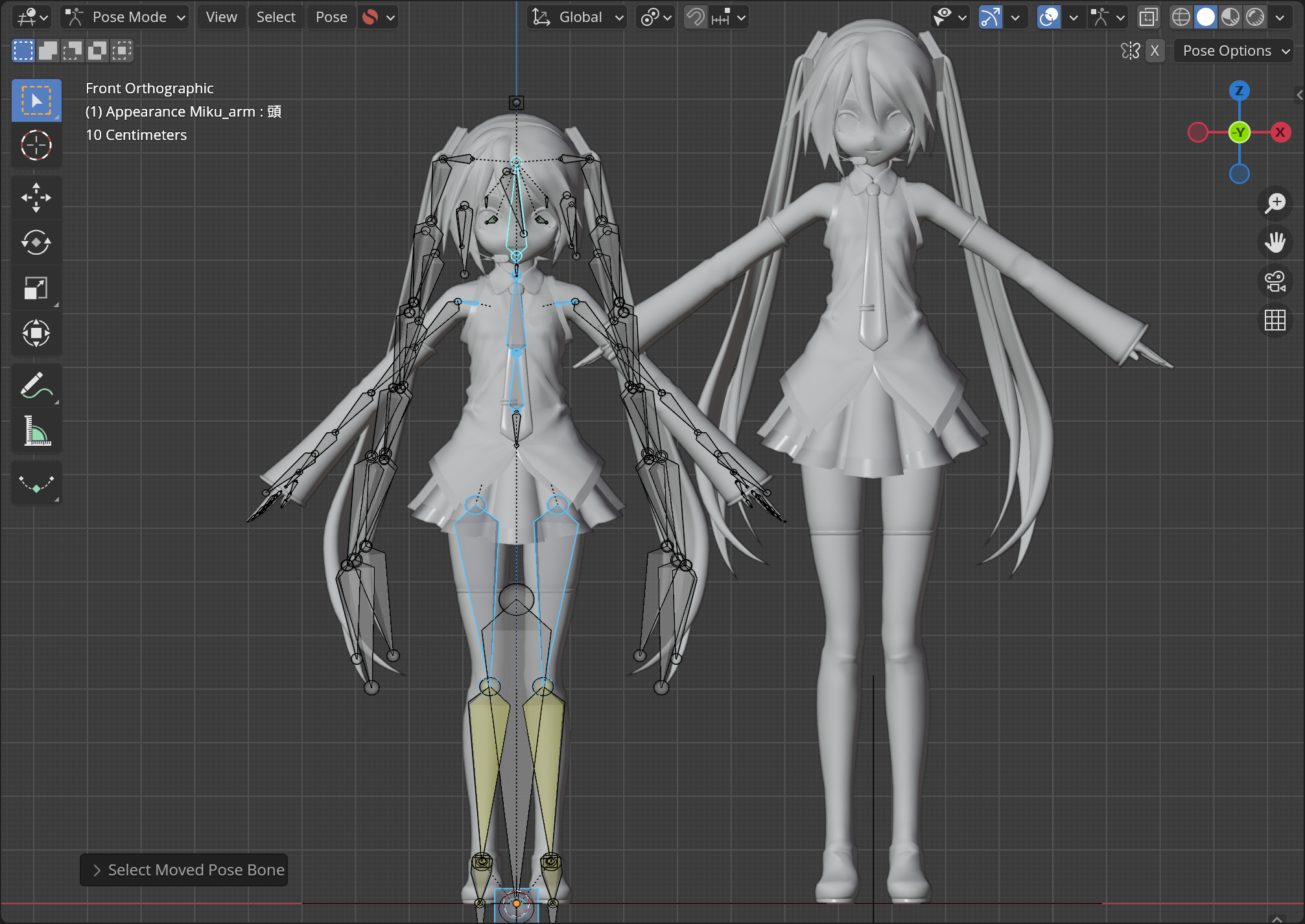
1. Go to Pose Mode and scale the bones.
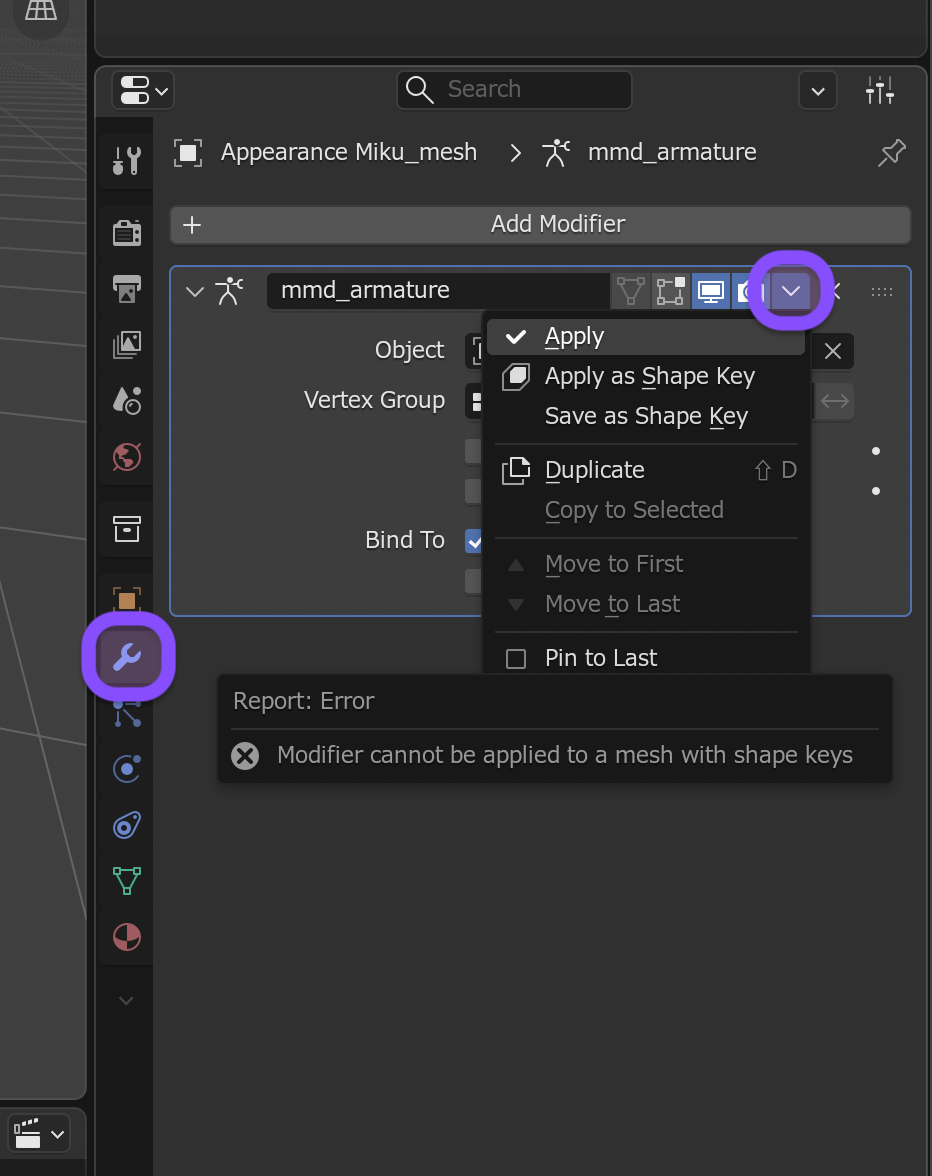
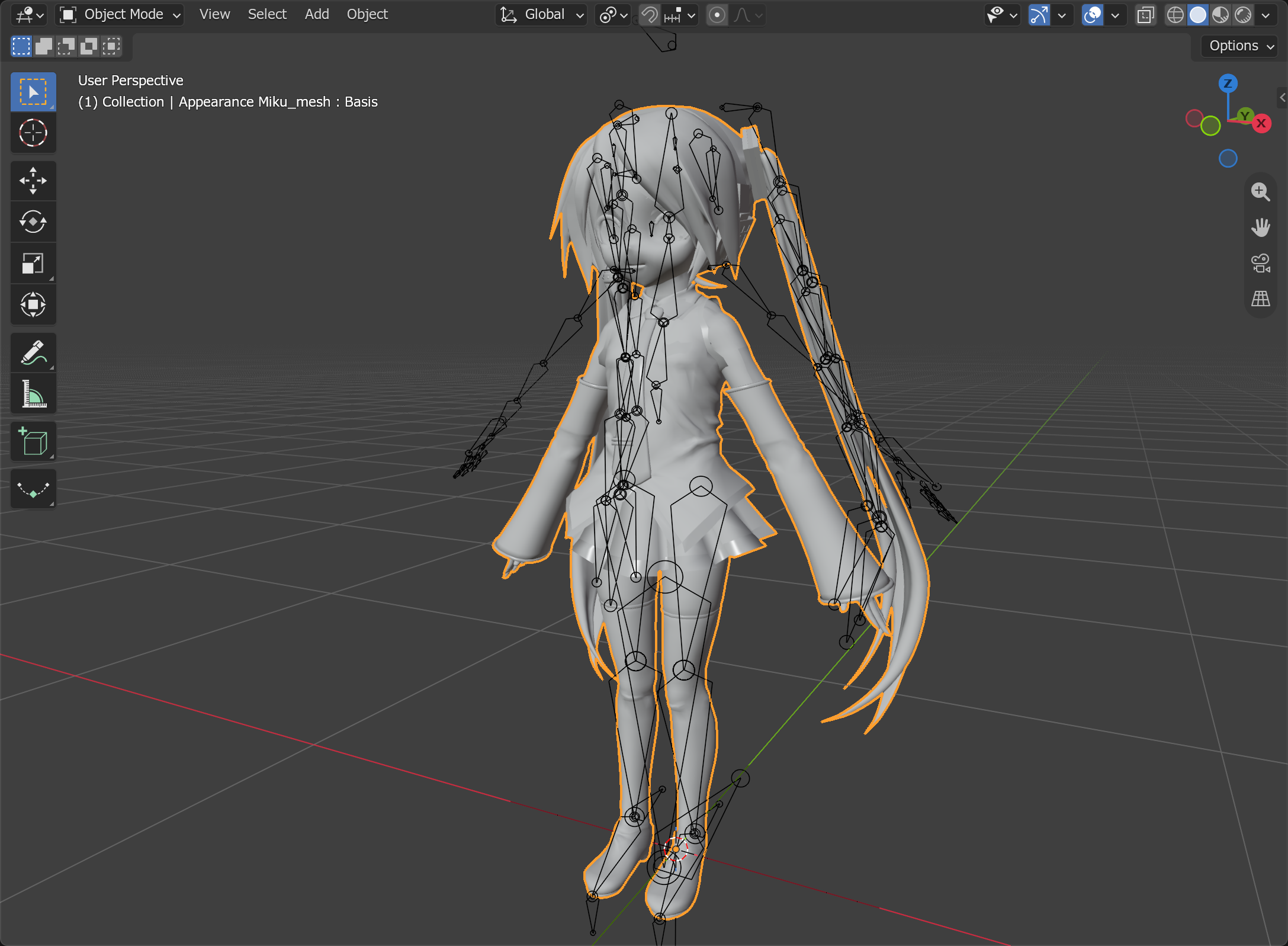
2. Go to Object Mode, select the model mesh and apply Armature modifier.
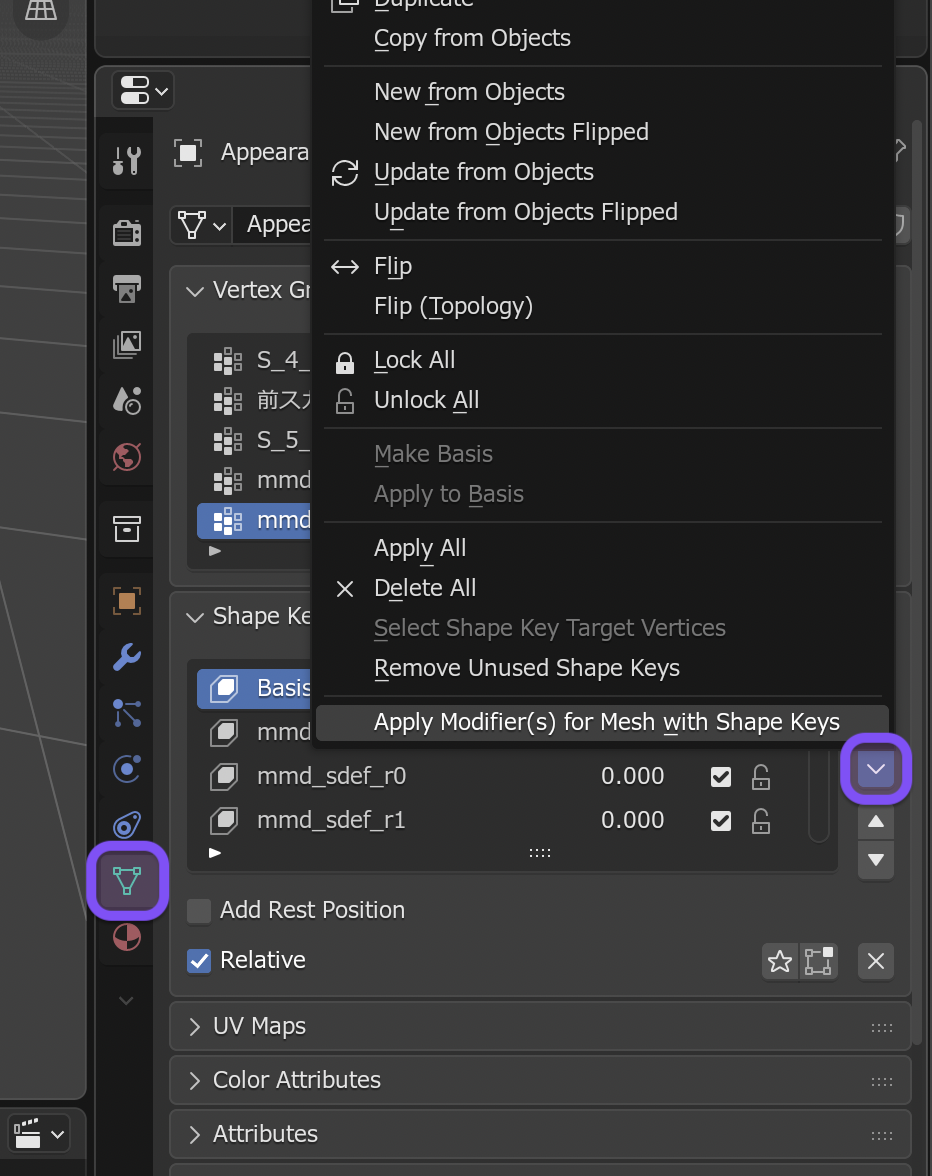
If the model has shape keys, modifiers cannot be applied normally. You can use addons like Apply Modifiers to Mesh with Shape Keys instead.
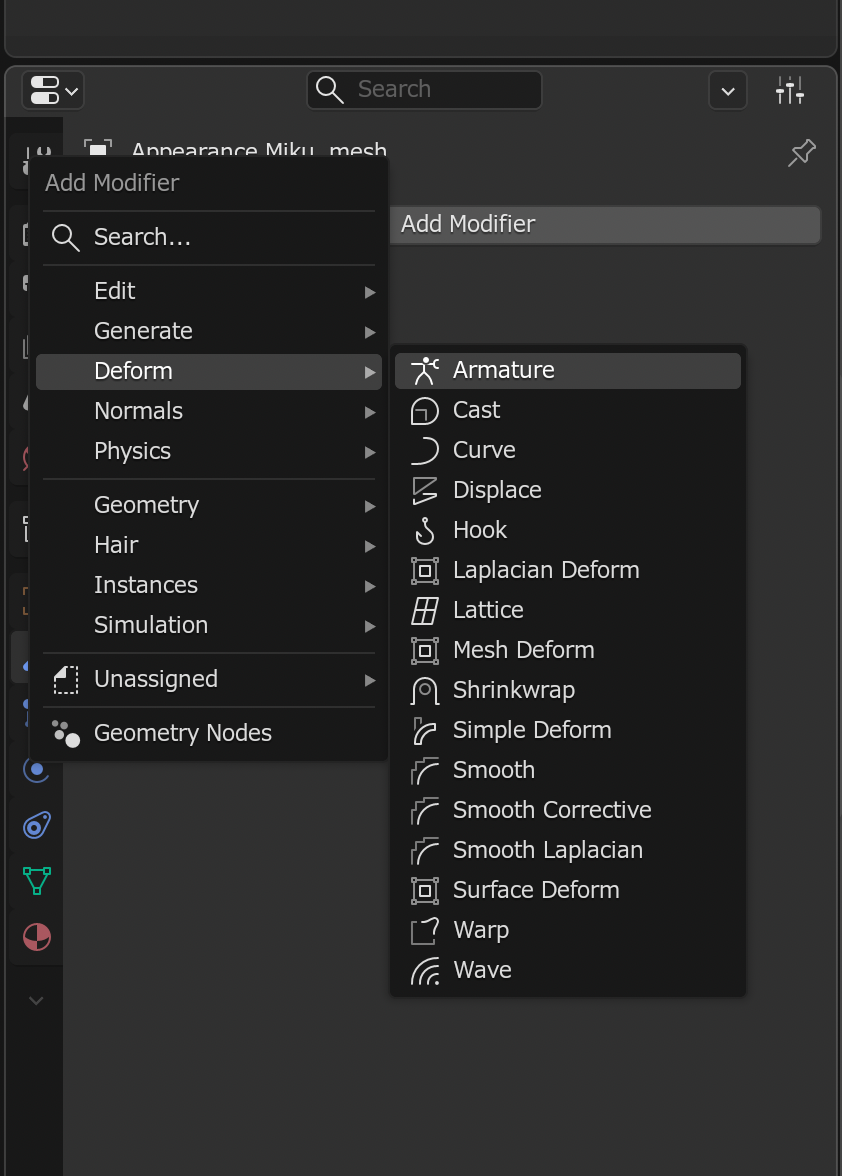
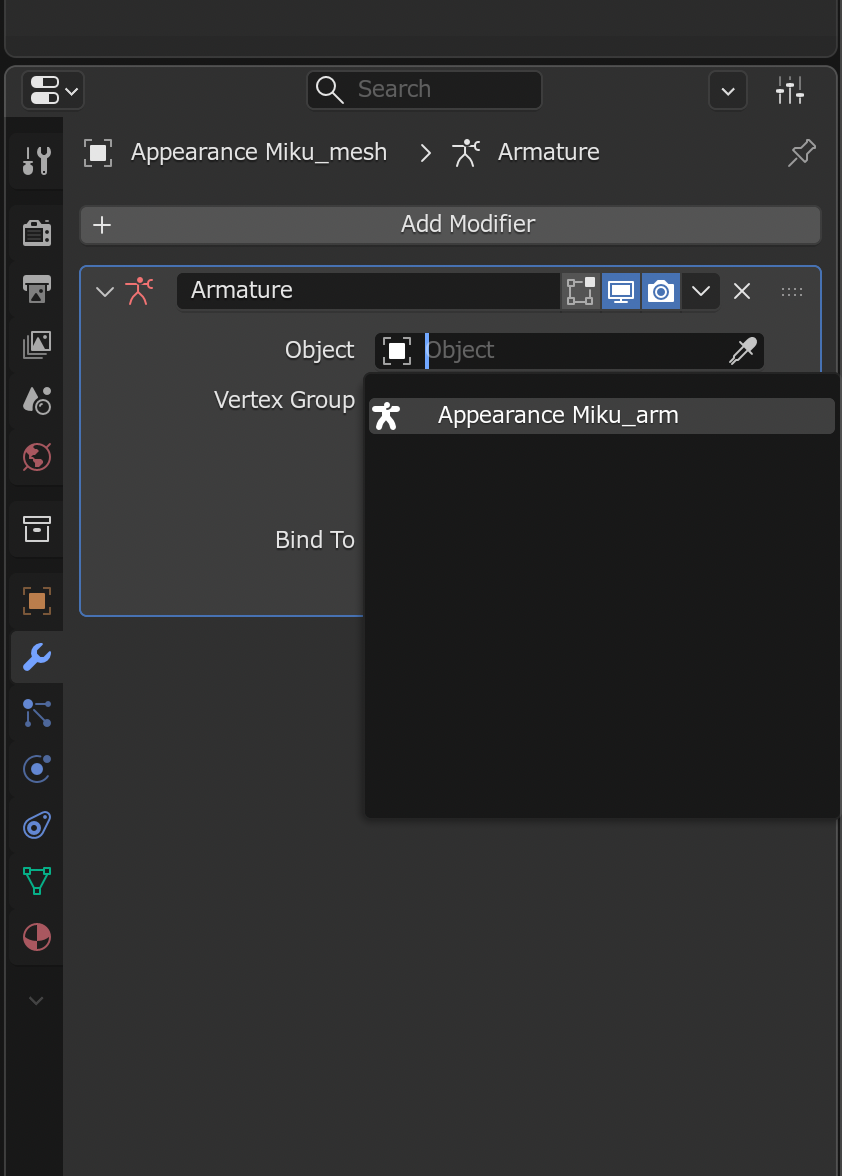
3. Add new Armature modifier to the model mesh, and select the target armature.
At this point, model will be scaled even more, because the bone transforms weren’t cleared.
4. Press A key to select all bones and Apply Pose as Rest Pose.
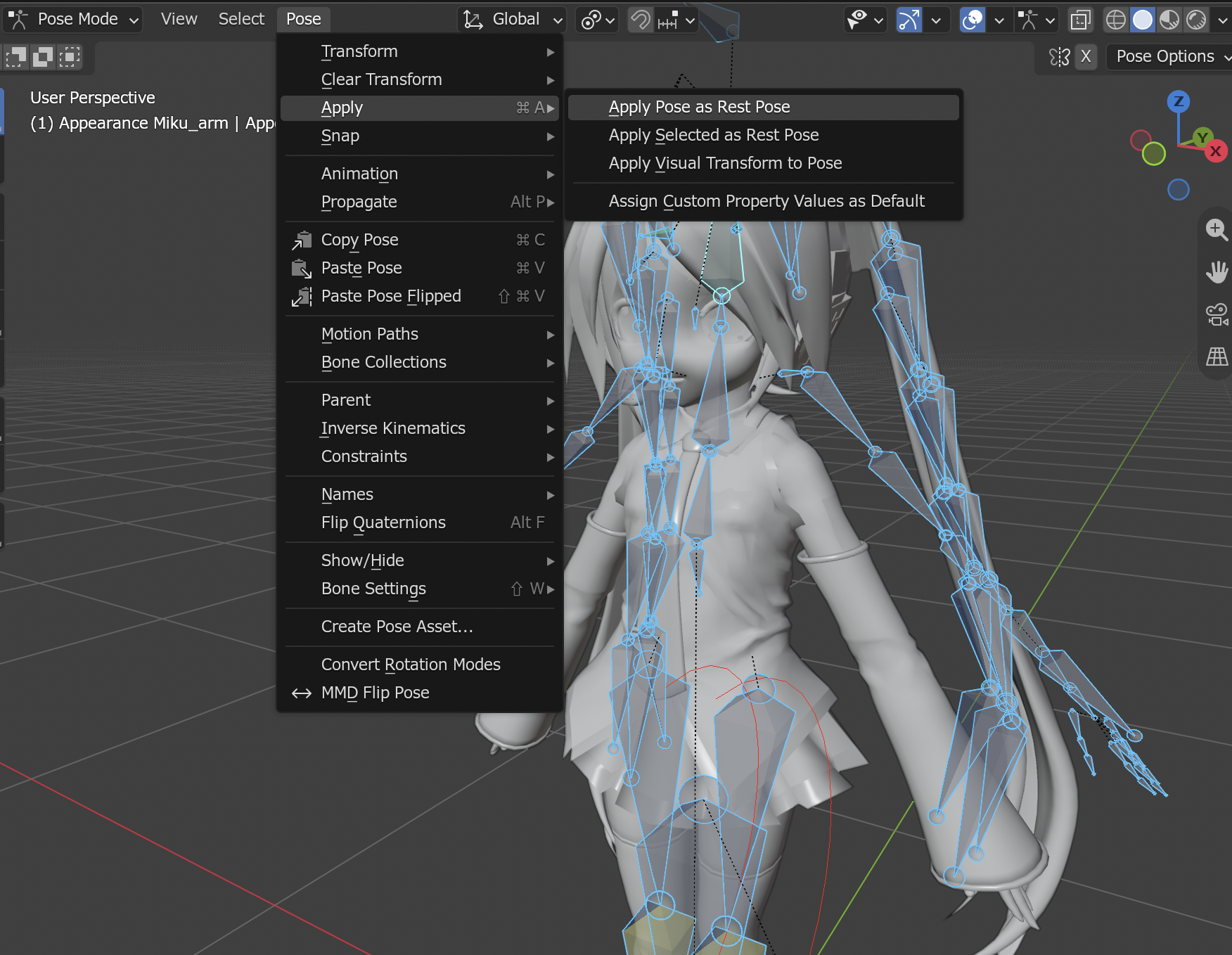
Now you can export the result.
credit: Appearance Miku by ままま、アラン・スミシー