
Export PMX as OBJ
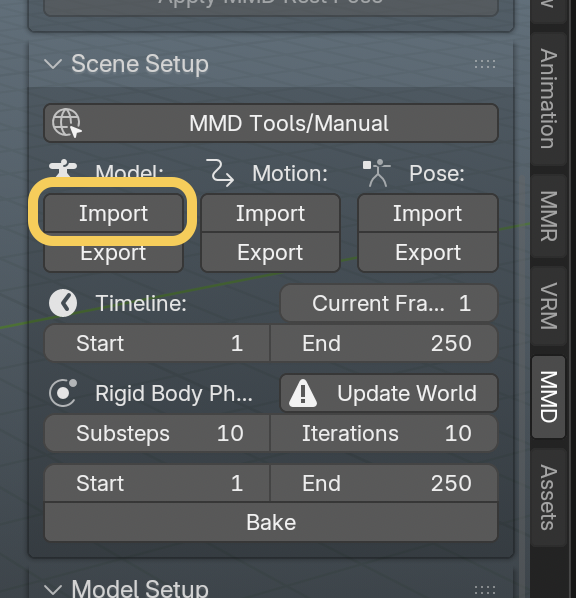
- Import MMD model from
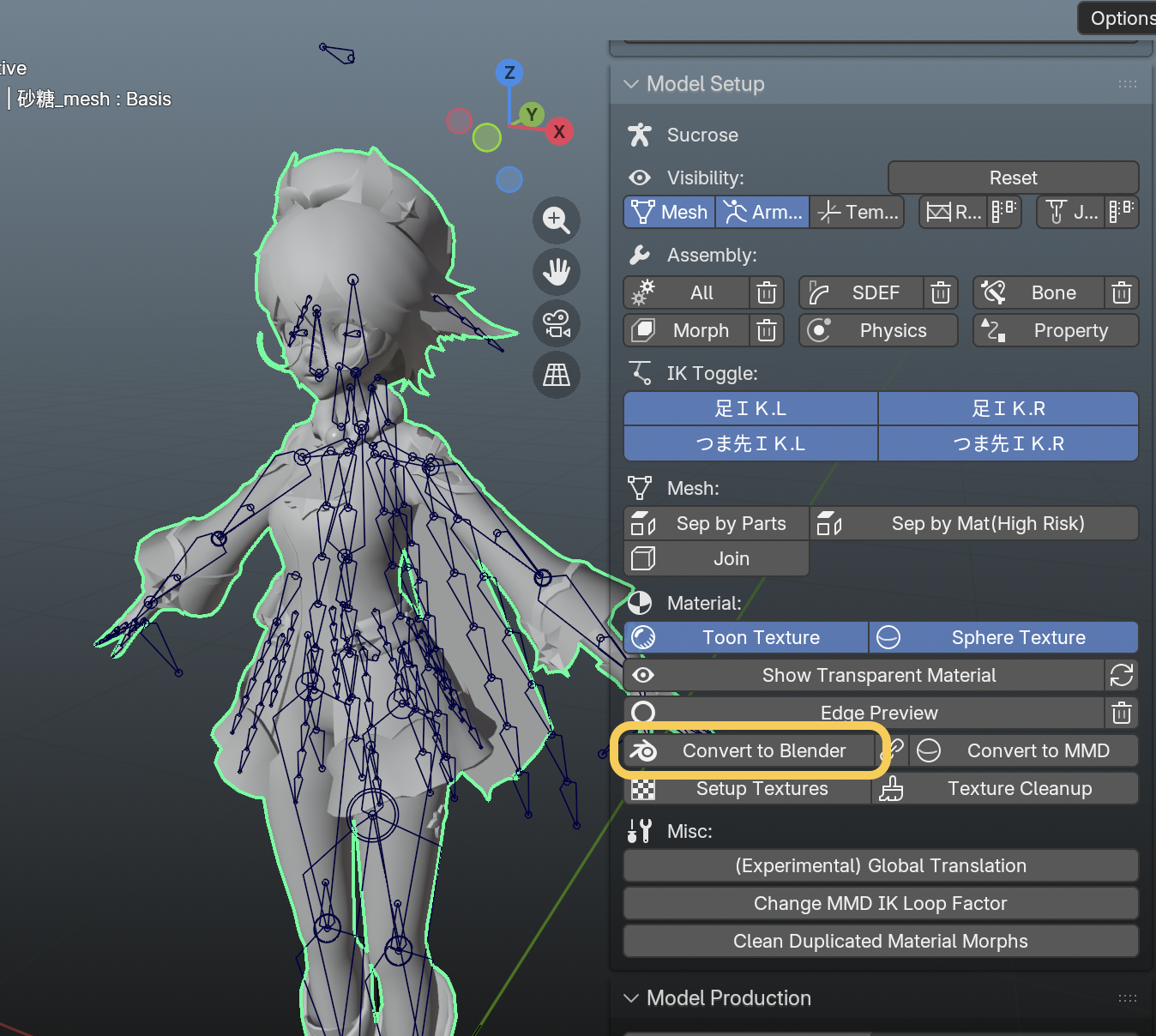
Scene Setup - Select the mesh and click
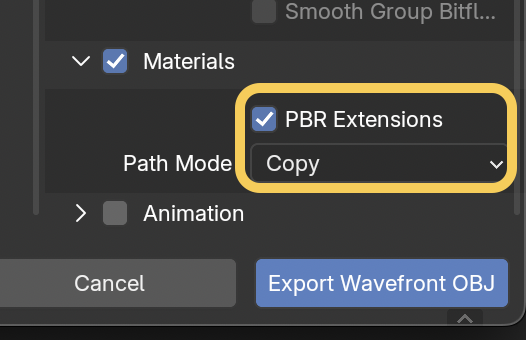
Convert to BlenderinModel Setup - File > Export > Wavefront (.obj) then enable
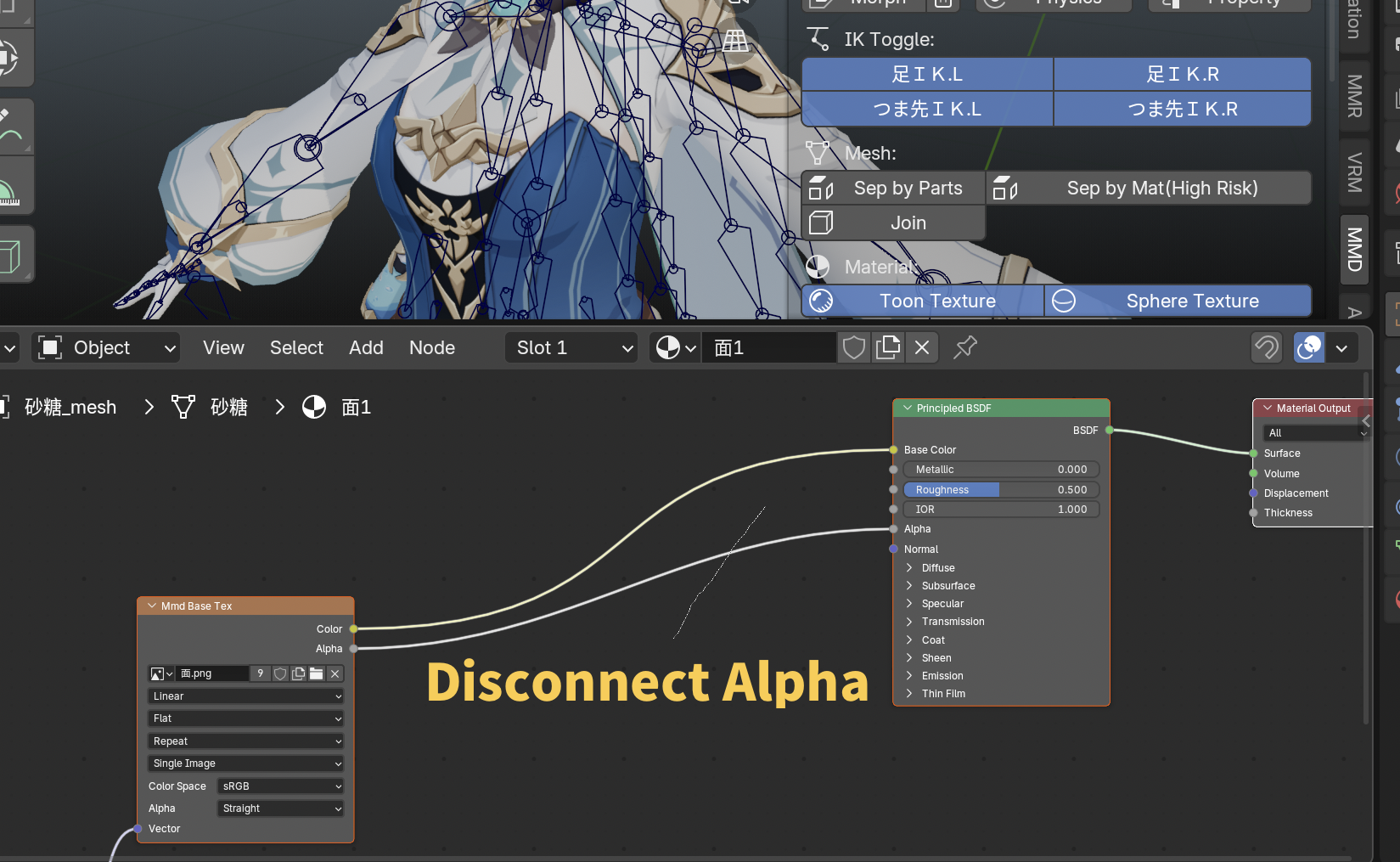
PBR Extensions, choose path mode you desire (I chose Copy to reset texture path) - if there’s any glitches in model visibility, you should disconnect
Texture Alphaby opening Shader Editor
It worked in my Preview app.
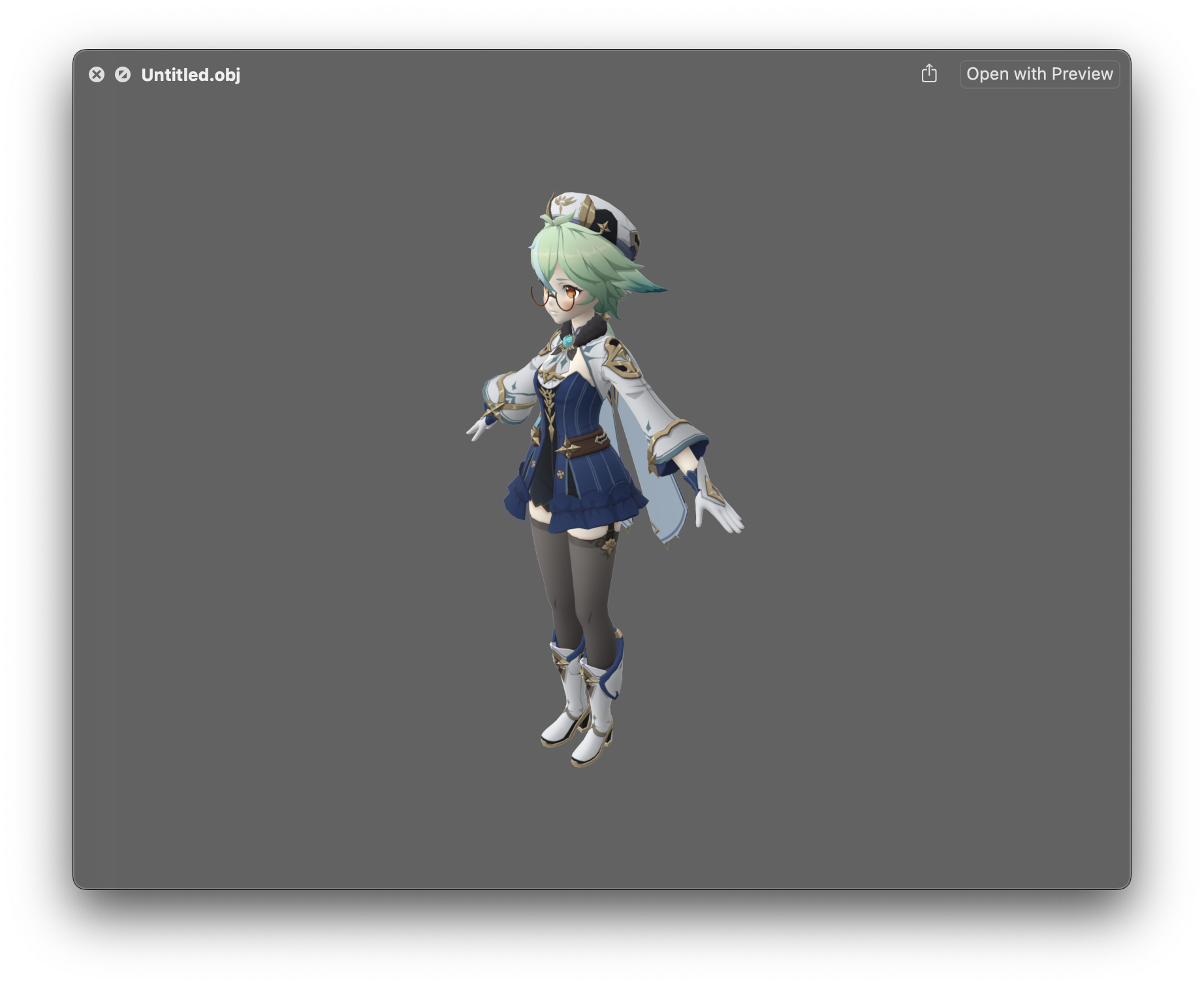
credit: Sucrose (Genshin Impact)