
How to import pose, bake physics then export to FBX
- Import your model, click
Physicsunder Model Setup > Assembly andUpdate Worldunder Scene Setup. - Select model root (axis icon), import VPD. If physics broke, toggle
Physicson/off. - Select model mesh then click
Convert to Blenderunder Model Setup. - Go to later frames (e.g. frame 70) to make sure physics have settled, then select model armature (human icon), File > Export > FBX.
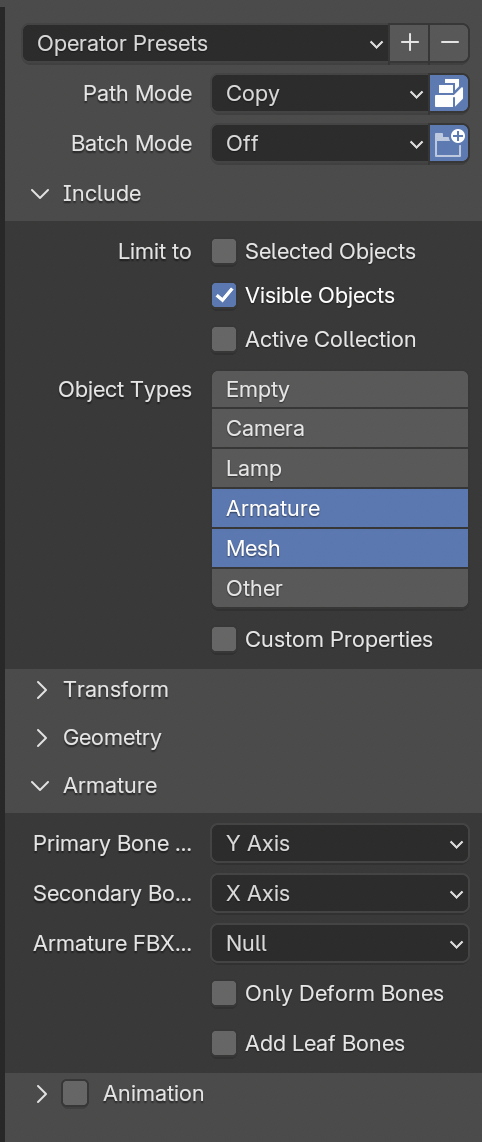
Set these options in FBX exporter:
- Path Mode:
Copy, enableEmbed Textures(package icon on the right) - Limit to
Visible Objects - Object Types:
Armature & Mesh(shift to multi-select) - Disable
Add Leaf Bones - Disable Animation
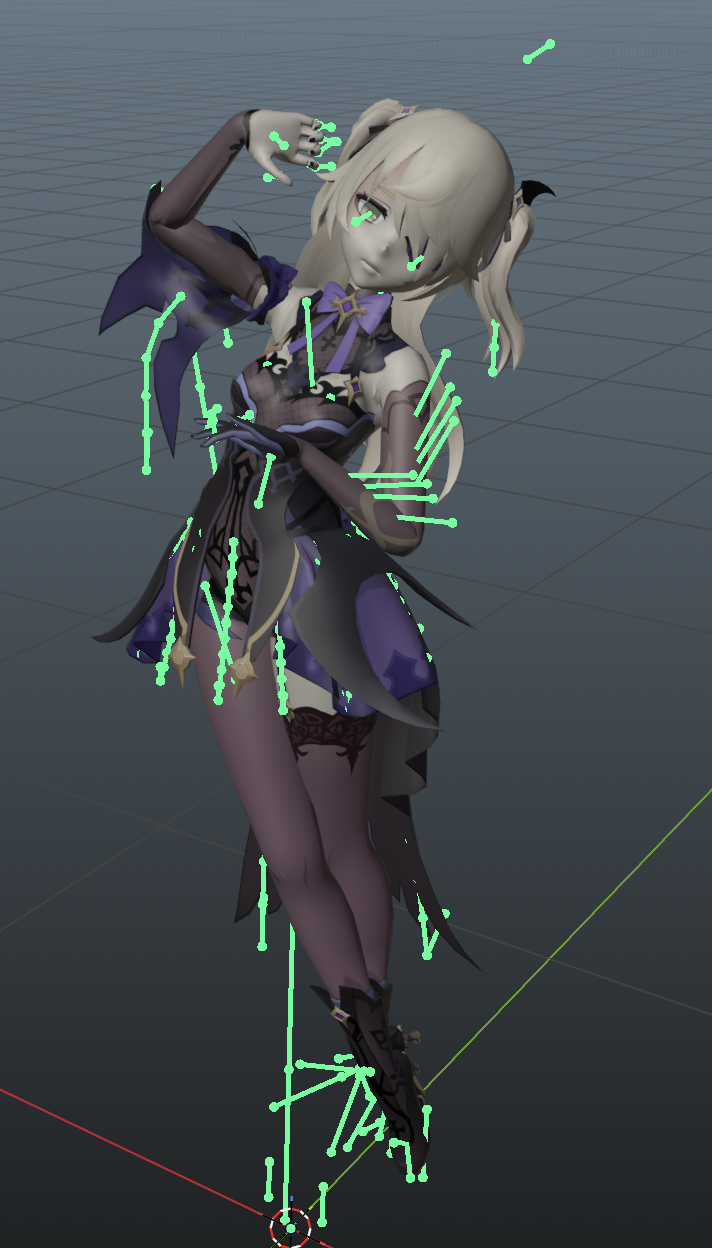
credit: Fischl (Genshin Impact)