
How to remove specific parts from vertex morph
- Right click the morph and select
Vertex/UV Morph Edit. - From Morph Editor window, go to Edit >
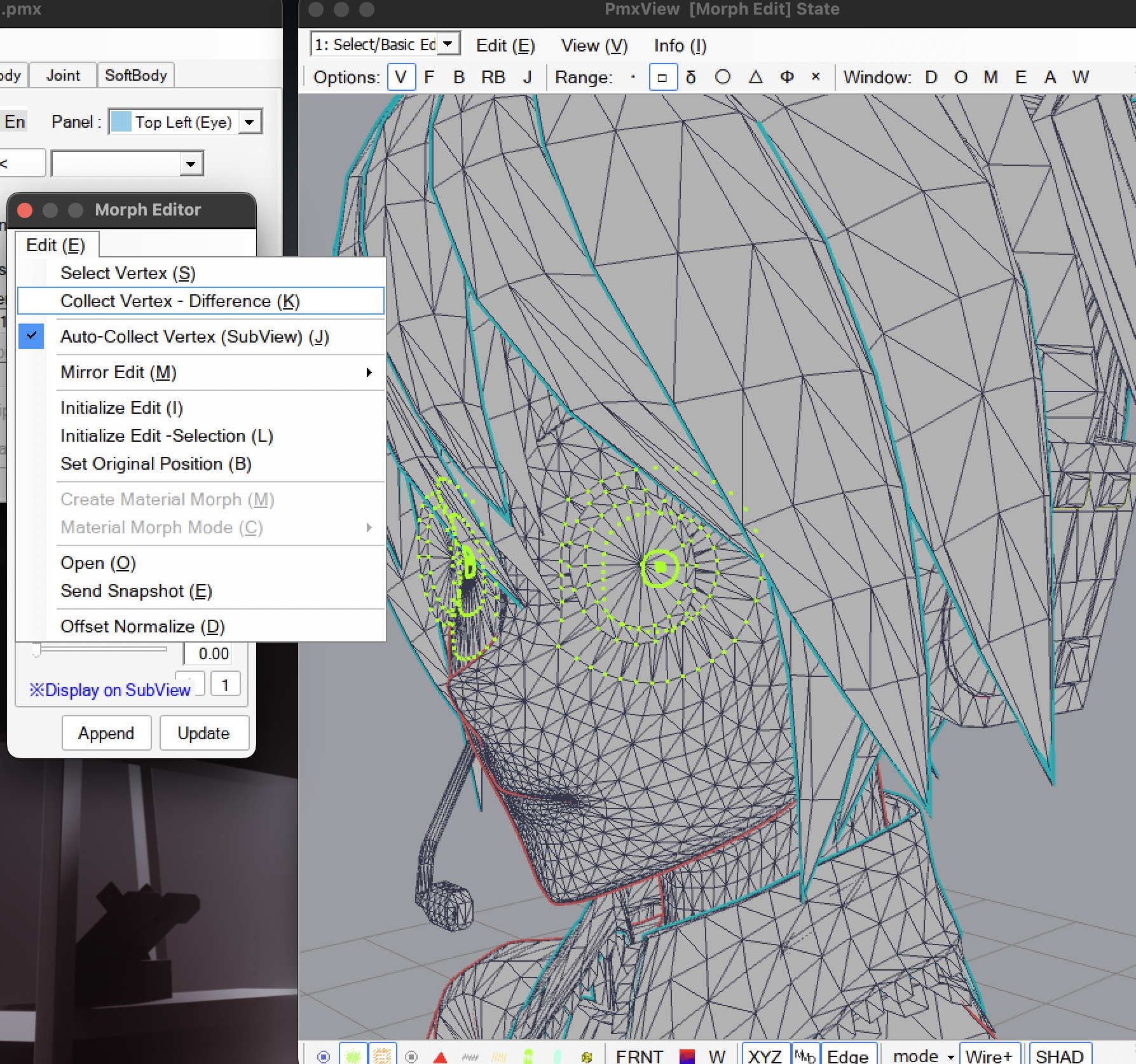
Collect Vertex - Difference. This will hide unchanged vertices. - Select the part you want to remove, then from Morph Editor, click Edit >
Set Original Position. This will reset the selected vertices to their original position. - And finally, click
Updateto apply the edit.
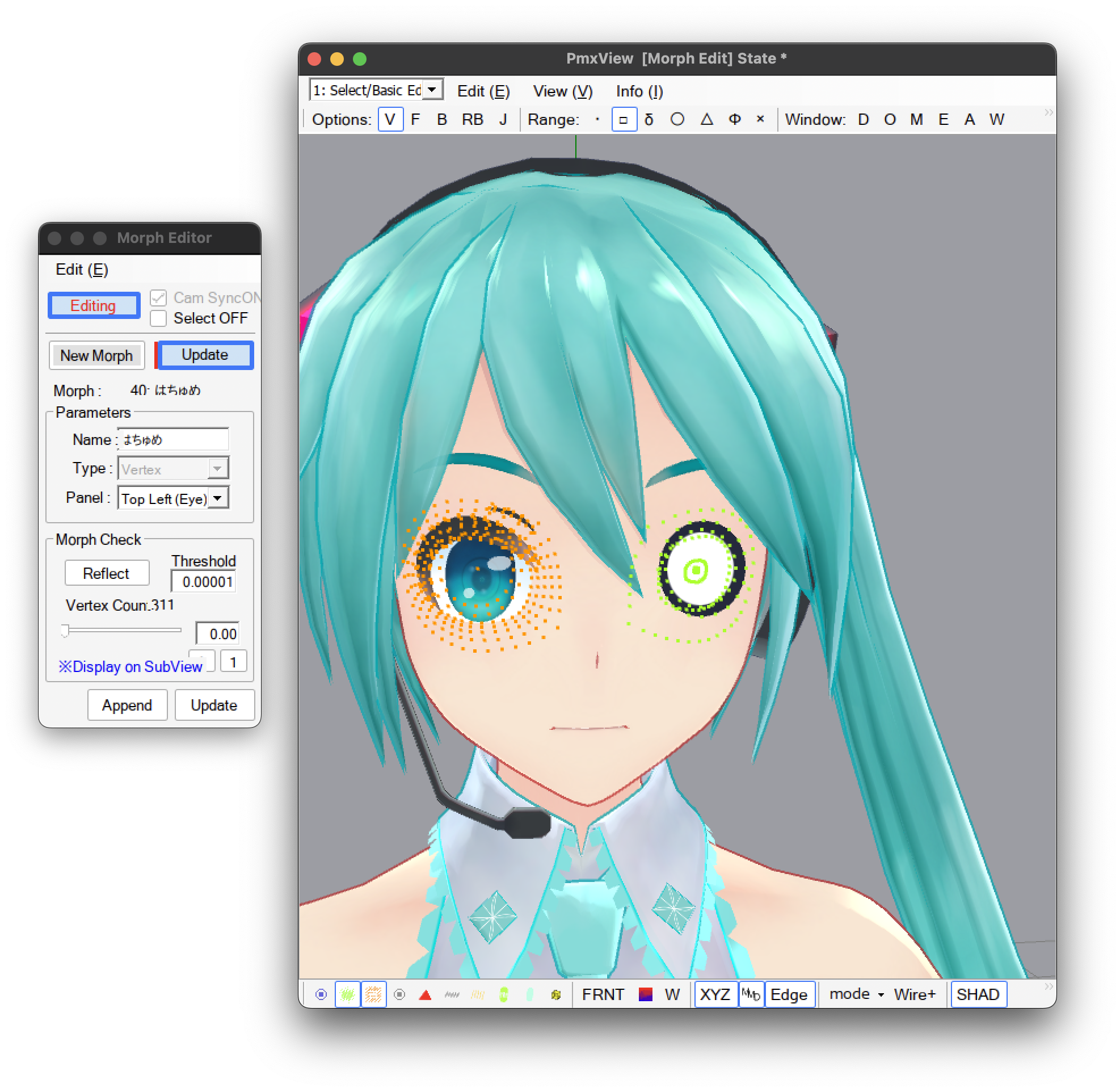
credit: コロン式初音ミク v2.1