Extruding faces in Metasequoia
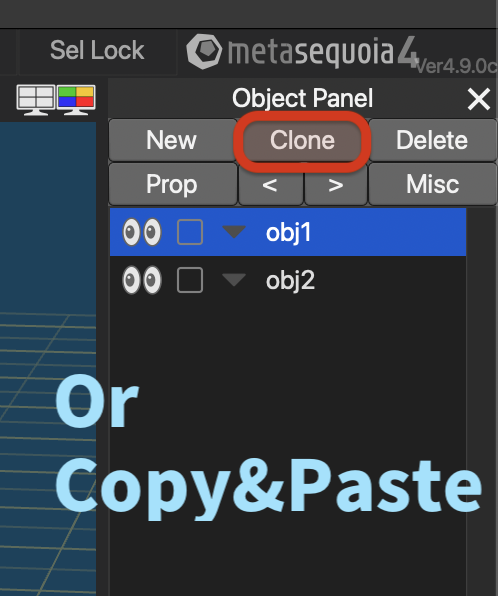
Metasequoia can extrude faces, but it removes original faces. So you have to first select faces you want to extrude, and then duplicate that. You can duplicate entire object with Clone, or copy&paste.
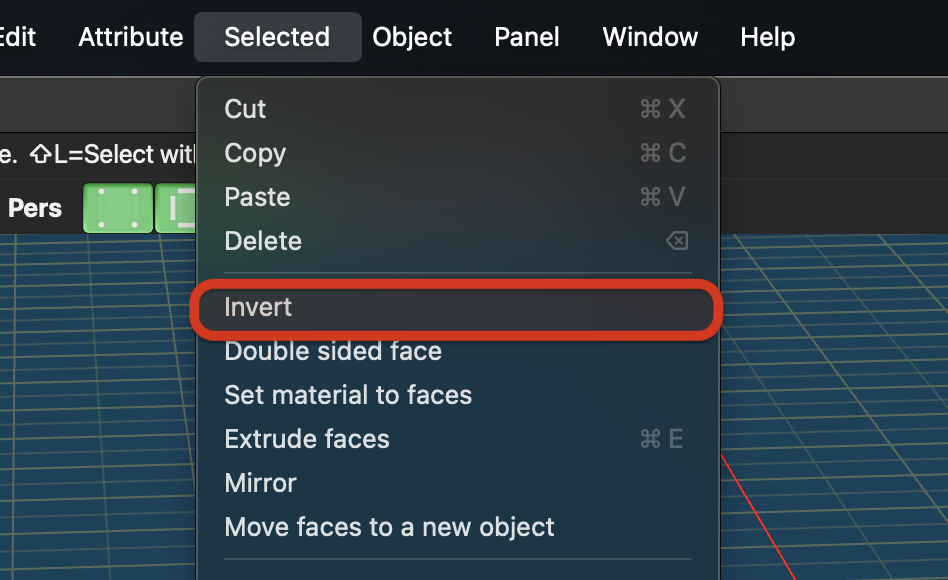
This will create new object, so select all the faces and press Invert.
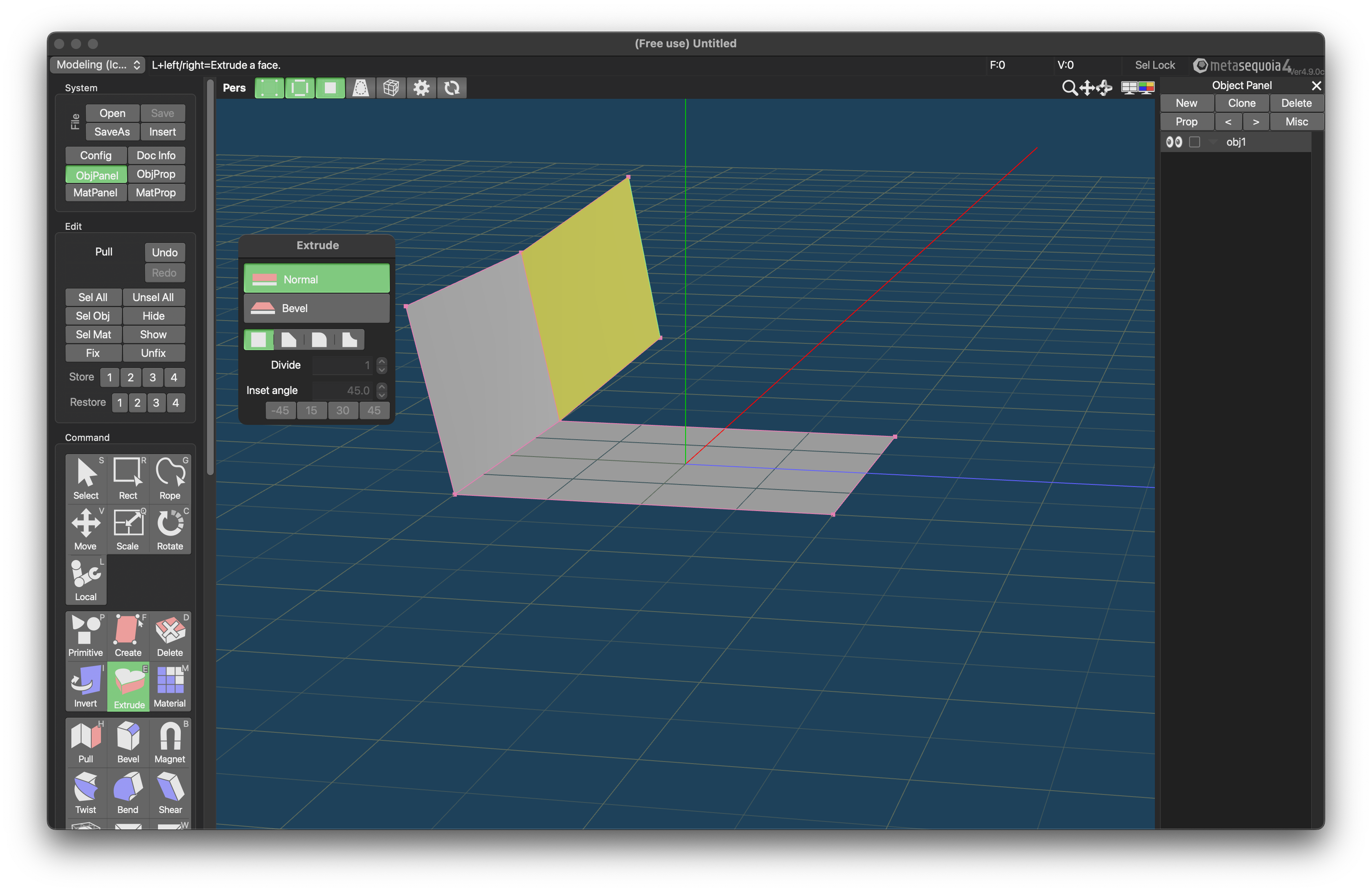
Then you can move on to extruding faces.
- Press E or click Extrude
- select faces by Shift+click (outline turns cyan)
After that, click&drag horizontally to adjust width.
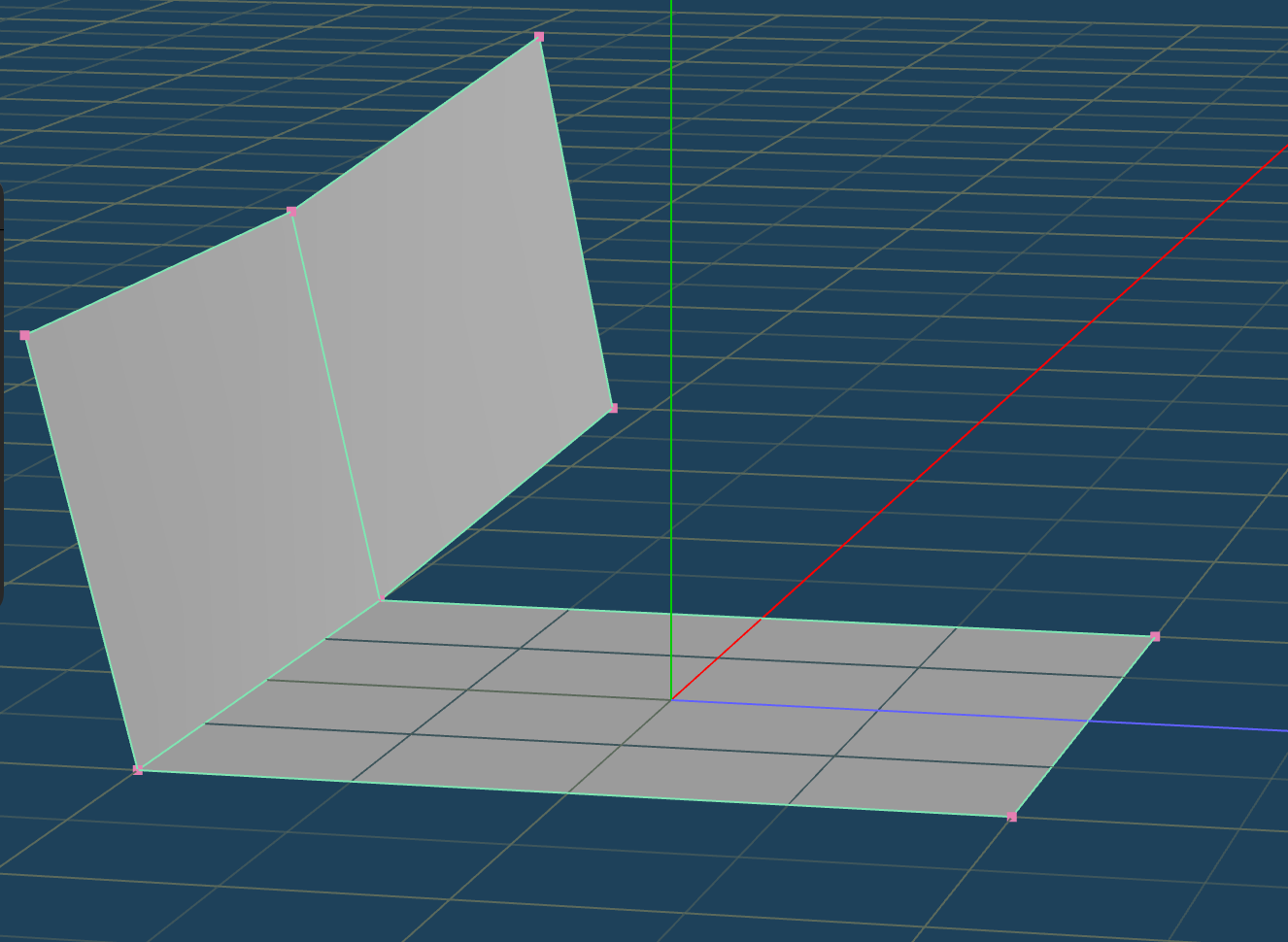
After extruding, you have to merge vertices.
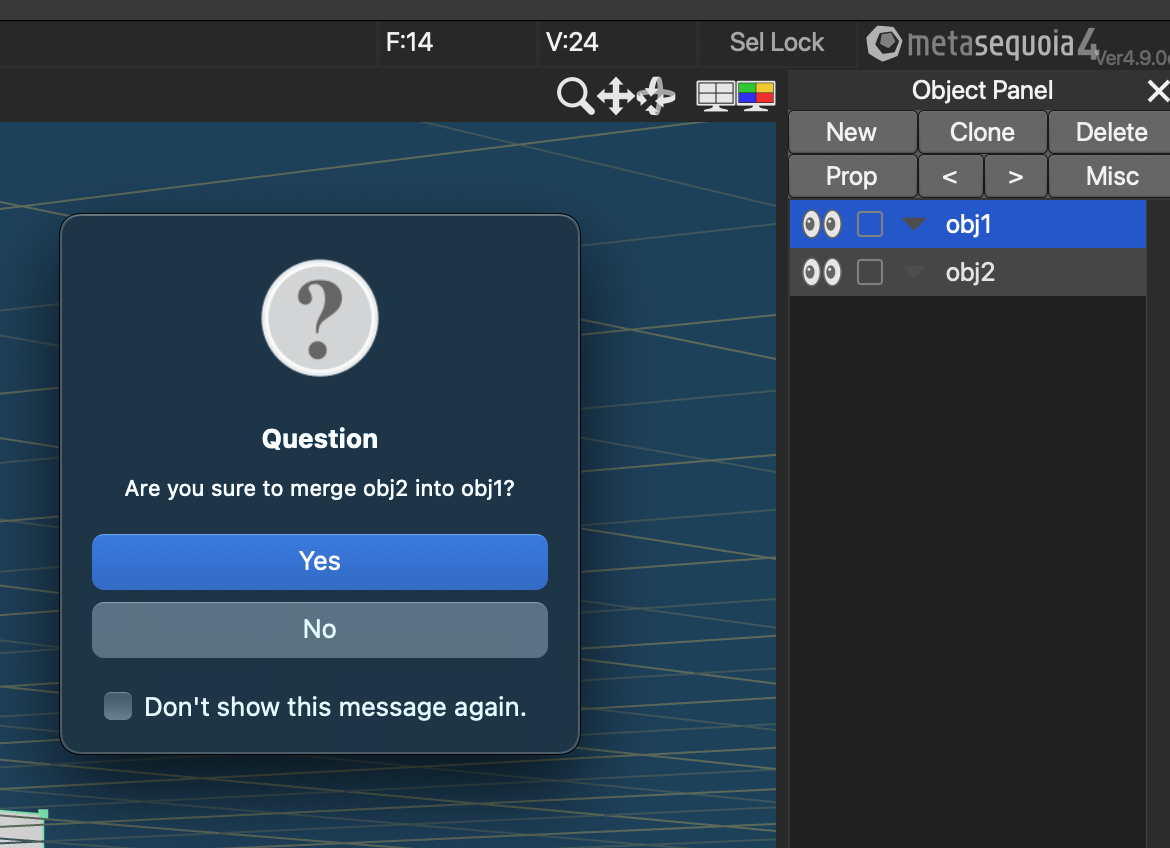
First, merge the two objects by drag&drop.
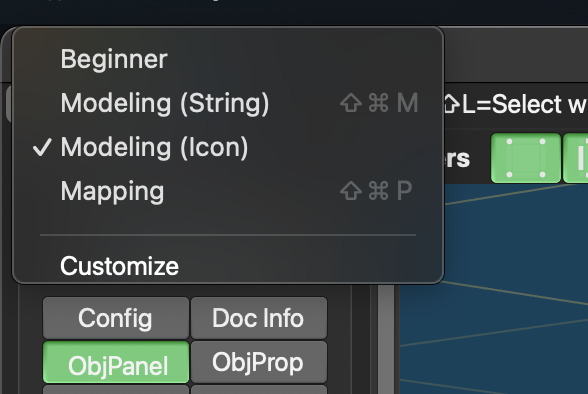
Then, change to Modeling (Icon). Without changing, Join closed vertices won’t appear.
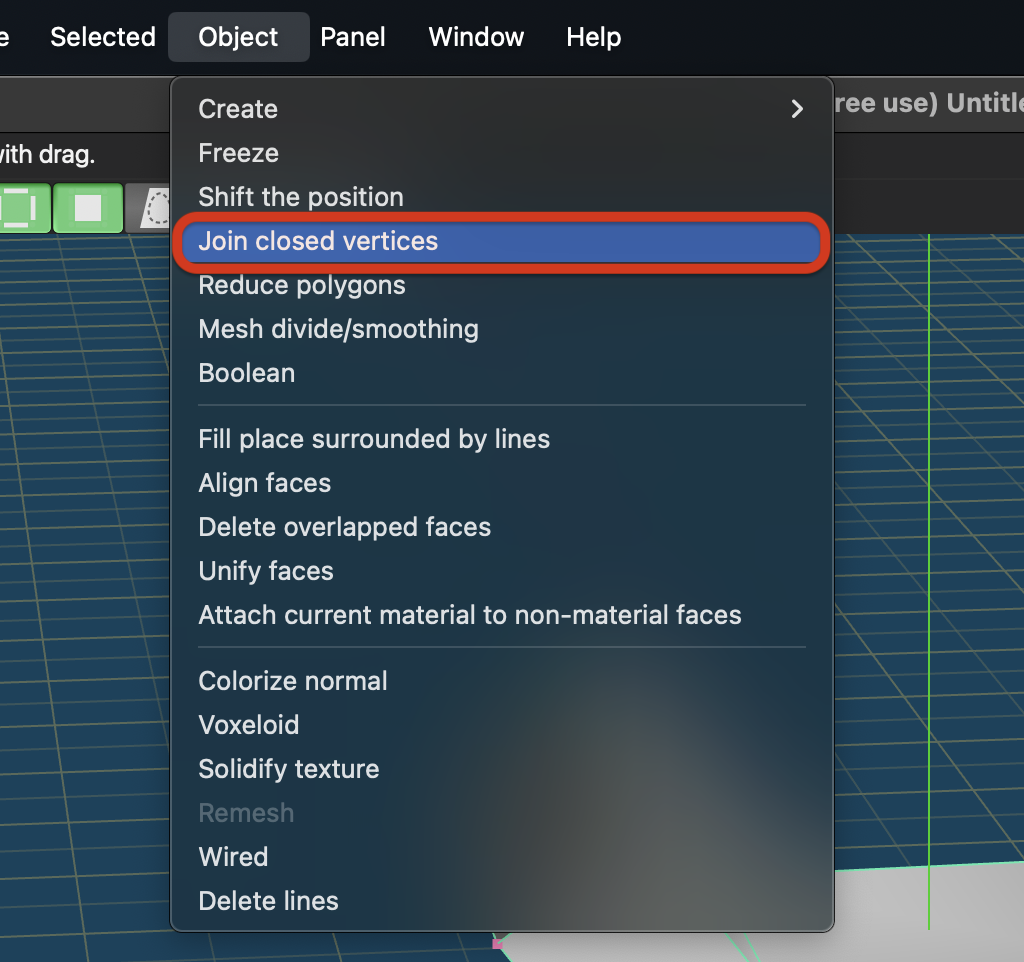
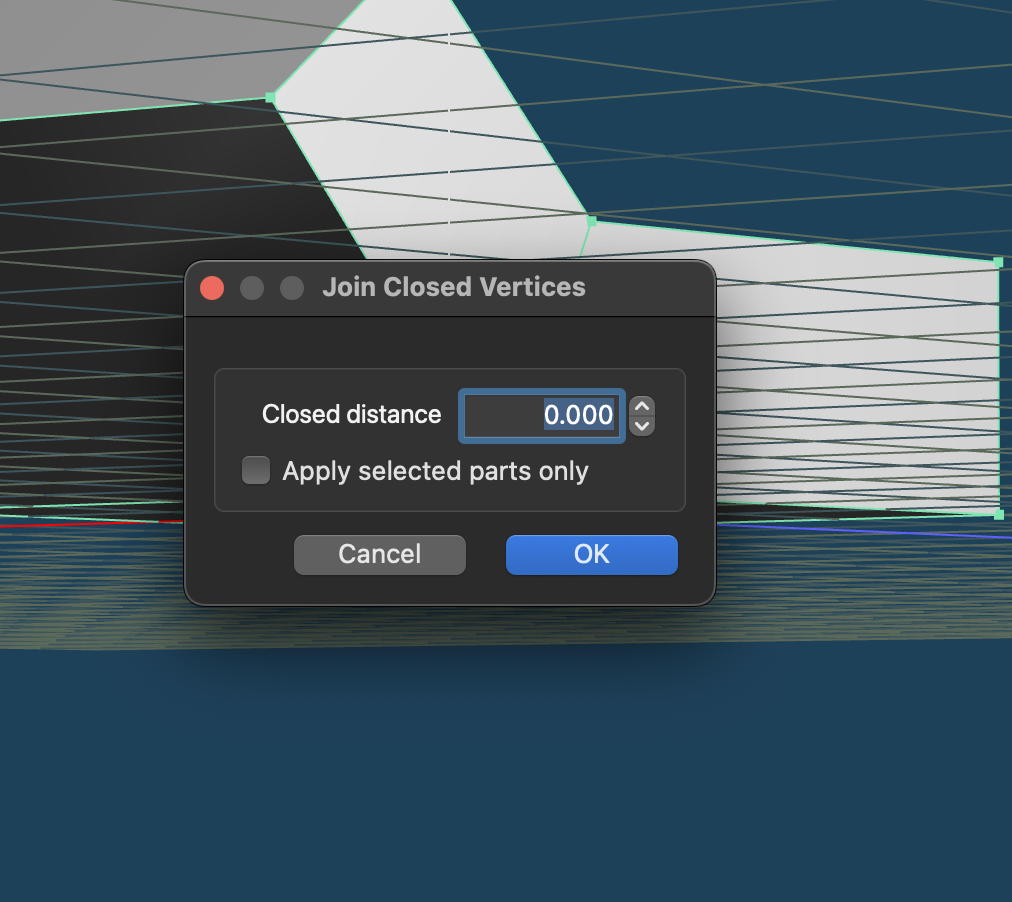
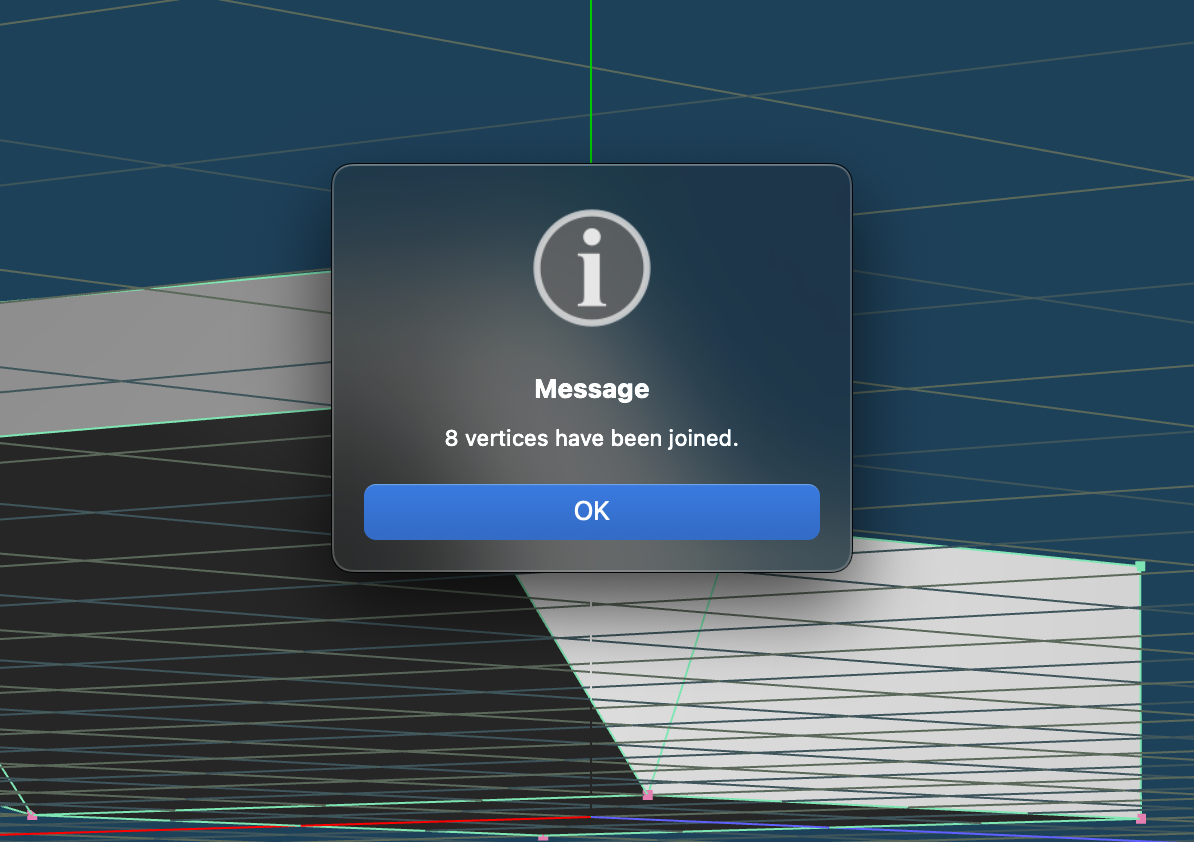
After that, click Join closed vertices and proceed. In my case, 8 vertices have been merged.