
How to edit motions in Blender
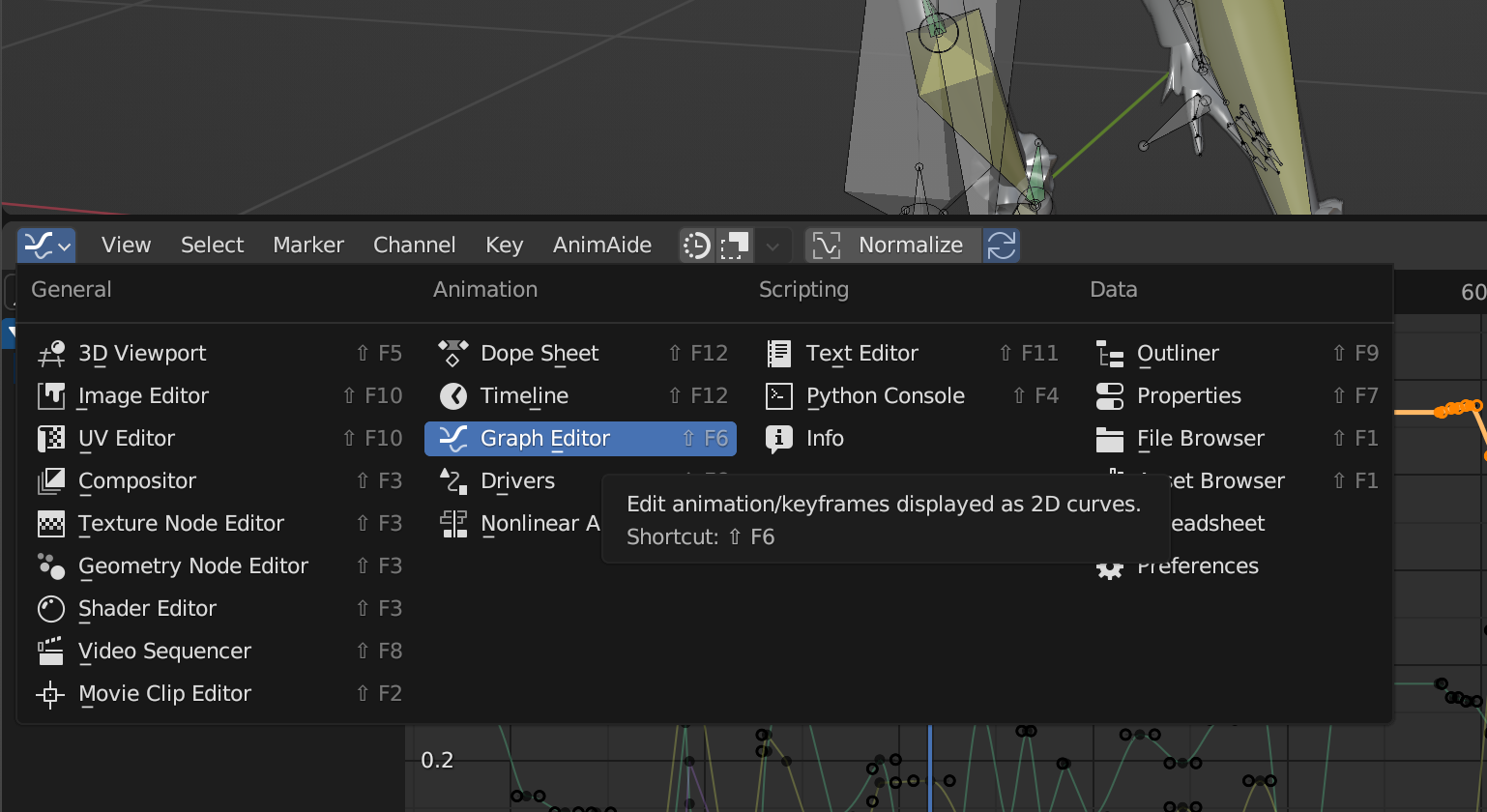
You can edit motions in Graph Editor. You can swap Time Line in the bottom with this one.
If you select a bone in Pose Mode, you should be able to see how they move. From here, you can edit keyframes.
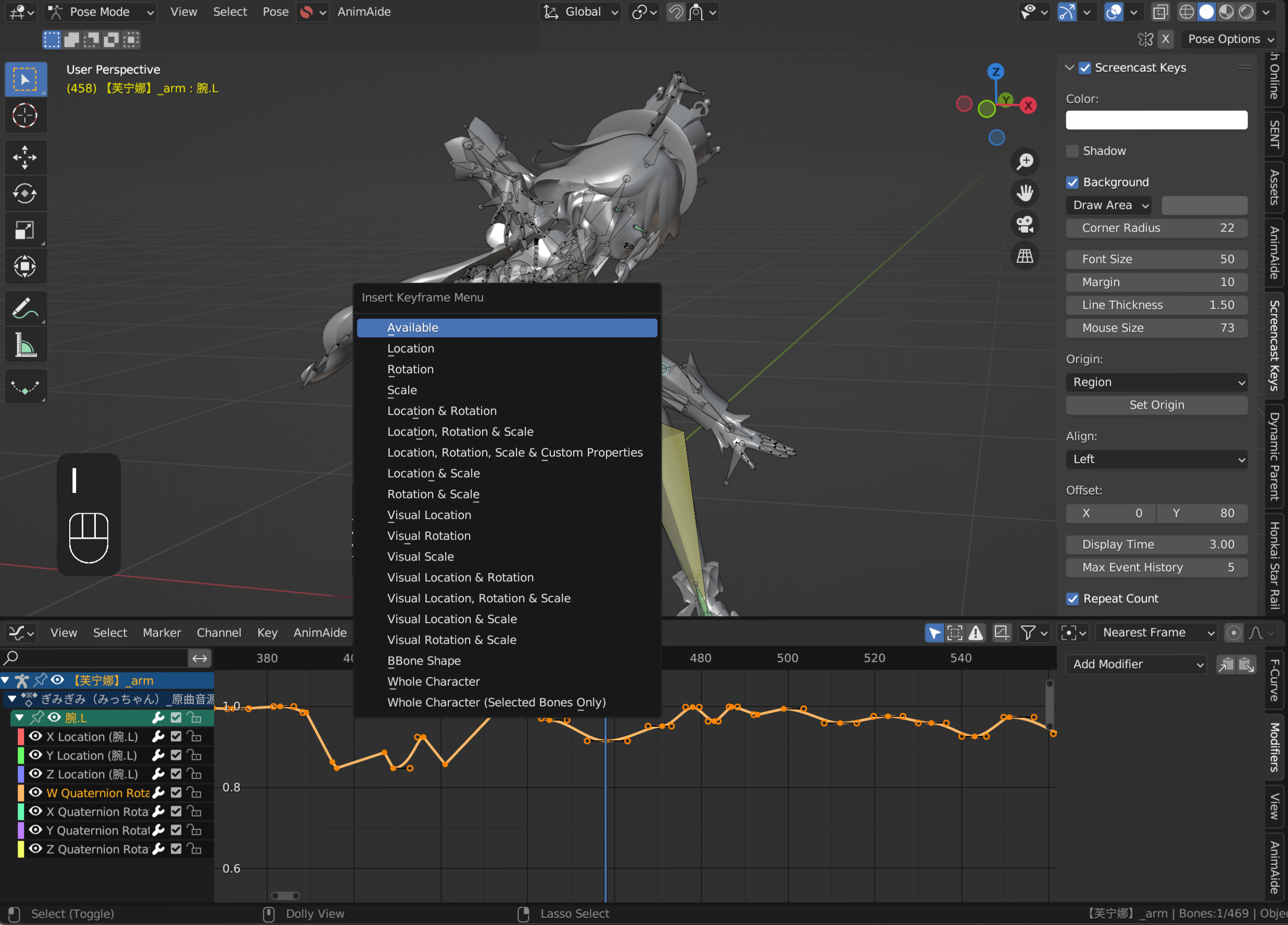
If you rotate bones in Viewport (3d view), you can insert new key with shortcut I.
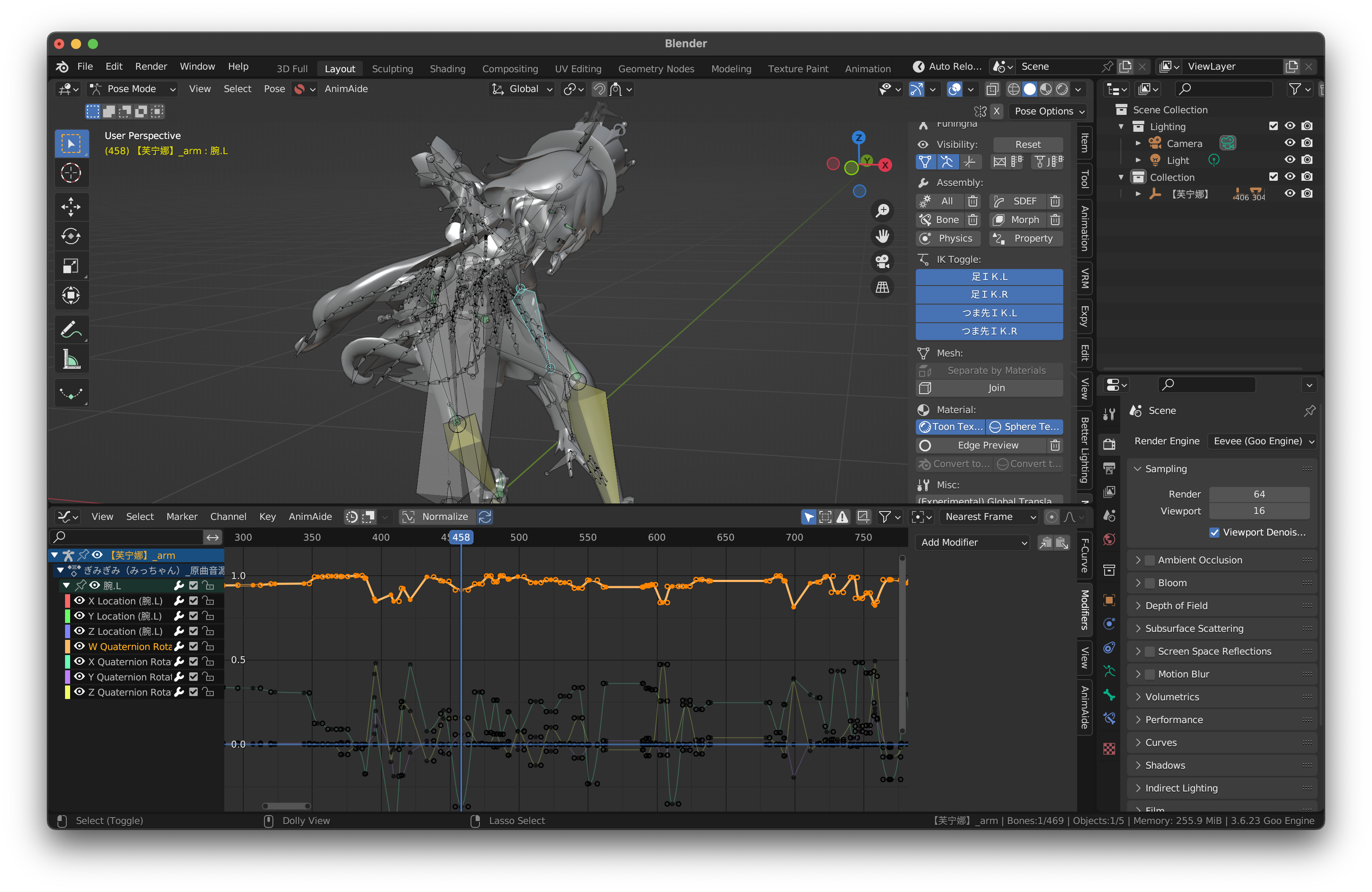
credit: Furina (Genshin Impact)