msToonCoordinator
msToonCoordinator is rather hard to use, as it requires model & texture editing.
The effect focuses on working with other effects like Croquis, ExellentShadow, and light effects like tn_PostPointLight.
The author’s tutorial video (in Japanese):
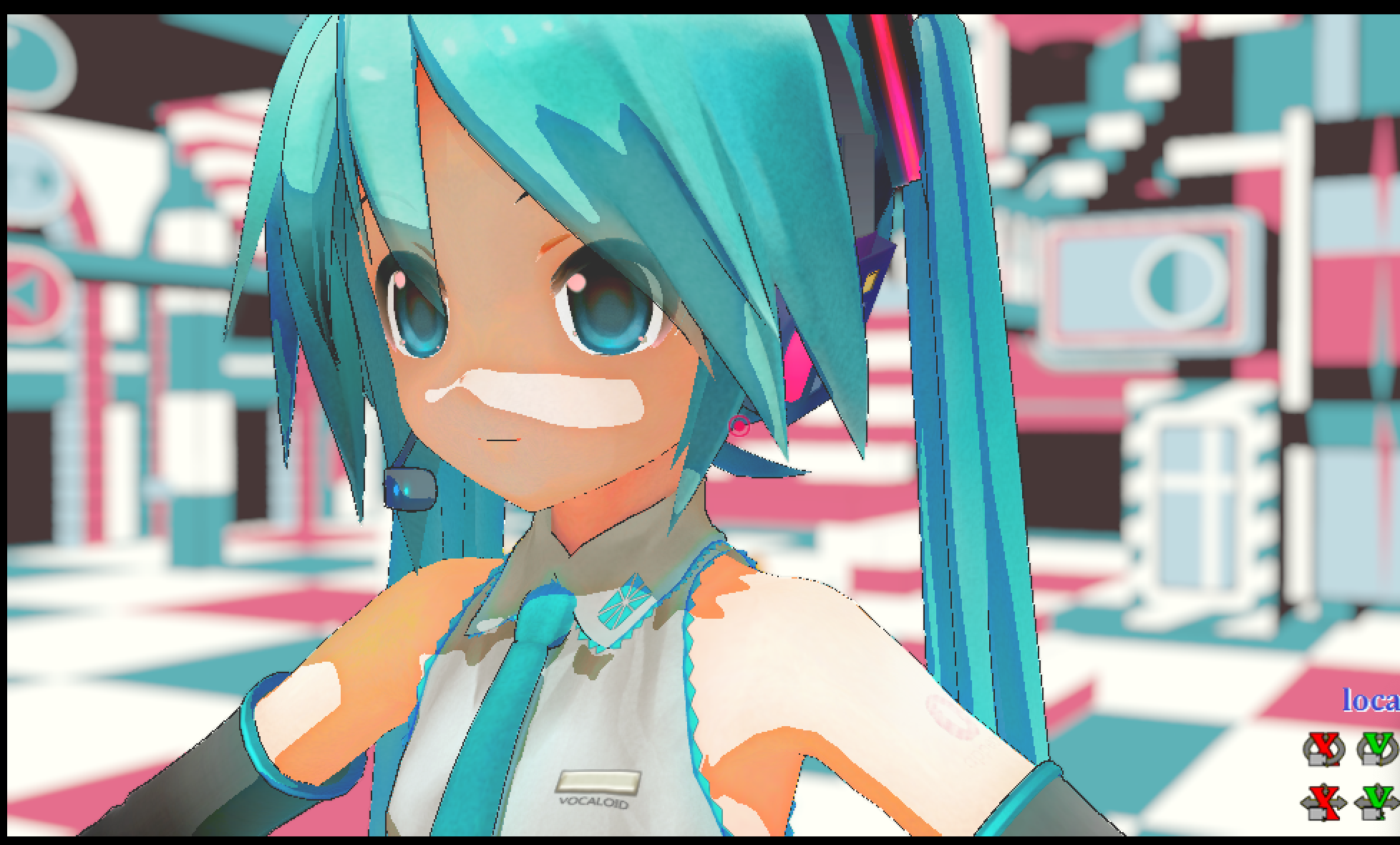
Removing toon wasn’t in instructions, but I removed them anyway, because the model looked way too flat to have any toons/spheres.
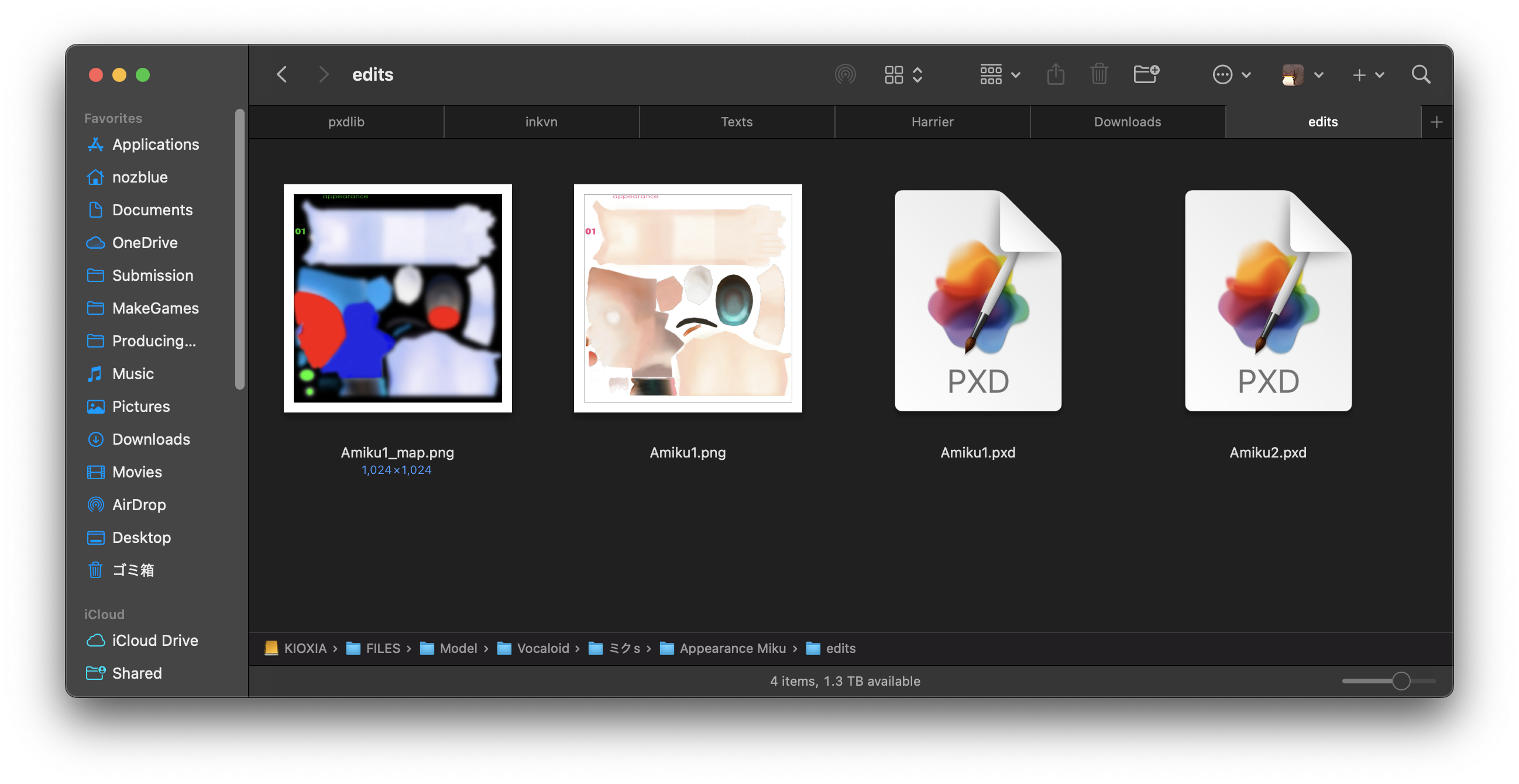
When drawing custom maps, red means more texture color and blue means more shade. Green means it’s highlight.
Then you copy Shade_ExShadow.fx and add this line. (You have to un-comment out the line and edit the texture name)
#define SHADOW_RATE_TEXTURE "Amiku1_map.png"
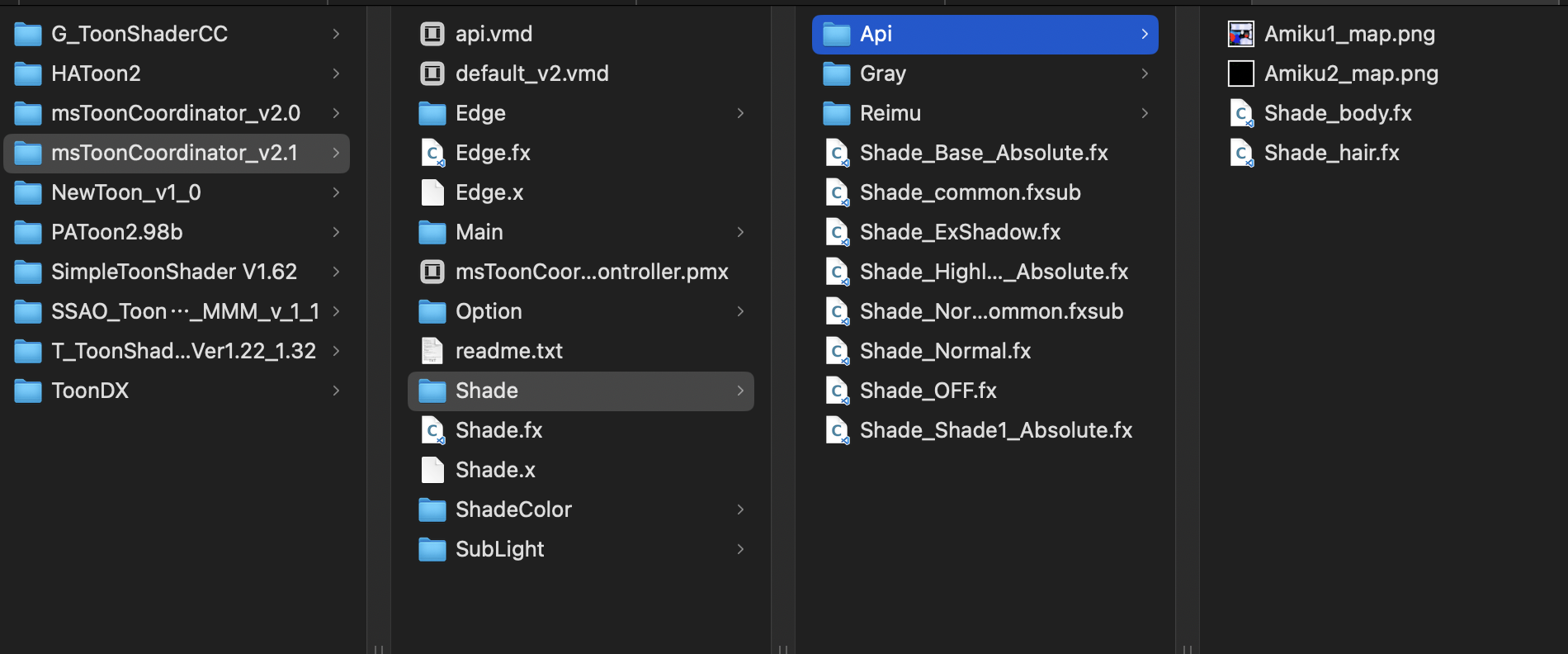
I changed this line so that I can put it in subfolder like this. (the shader file is in Shade/Api/Shade_body.fx. Notice I put ../ in the string)
#include "../Shade_common.fxsub"
You can add lights (called sublight), but I figured it wasn’t doing much, so it may not be necessary.
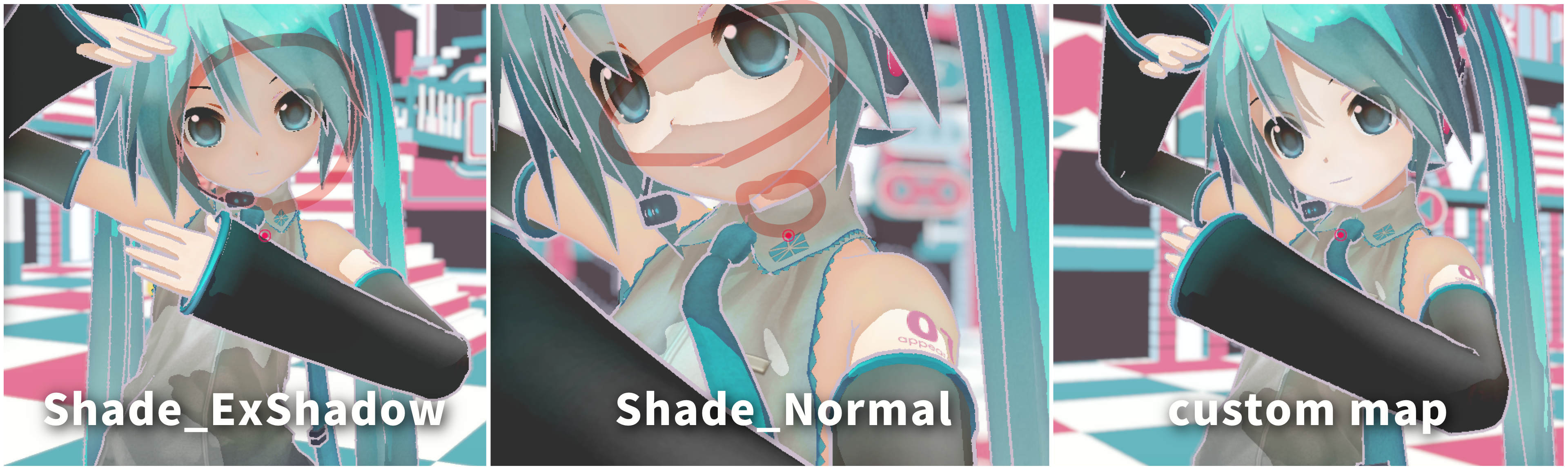
credit: Appearance Miku by ままま、アラン・スミシー