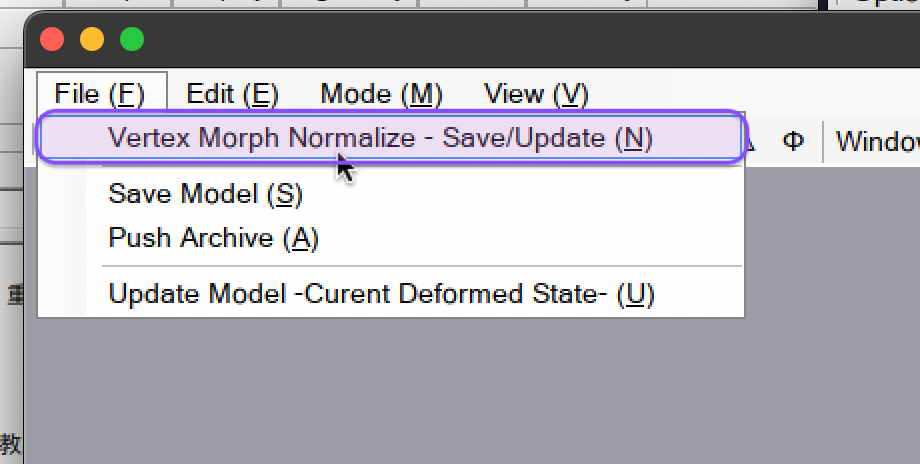
How to reverse & apply vertex morphs
You can use 闇鍋プラグイン (EtcPlugin) to reverse & apply vertex morphs.
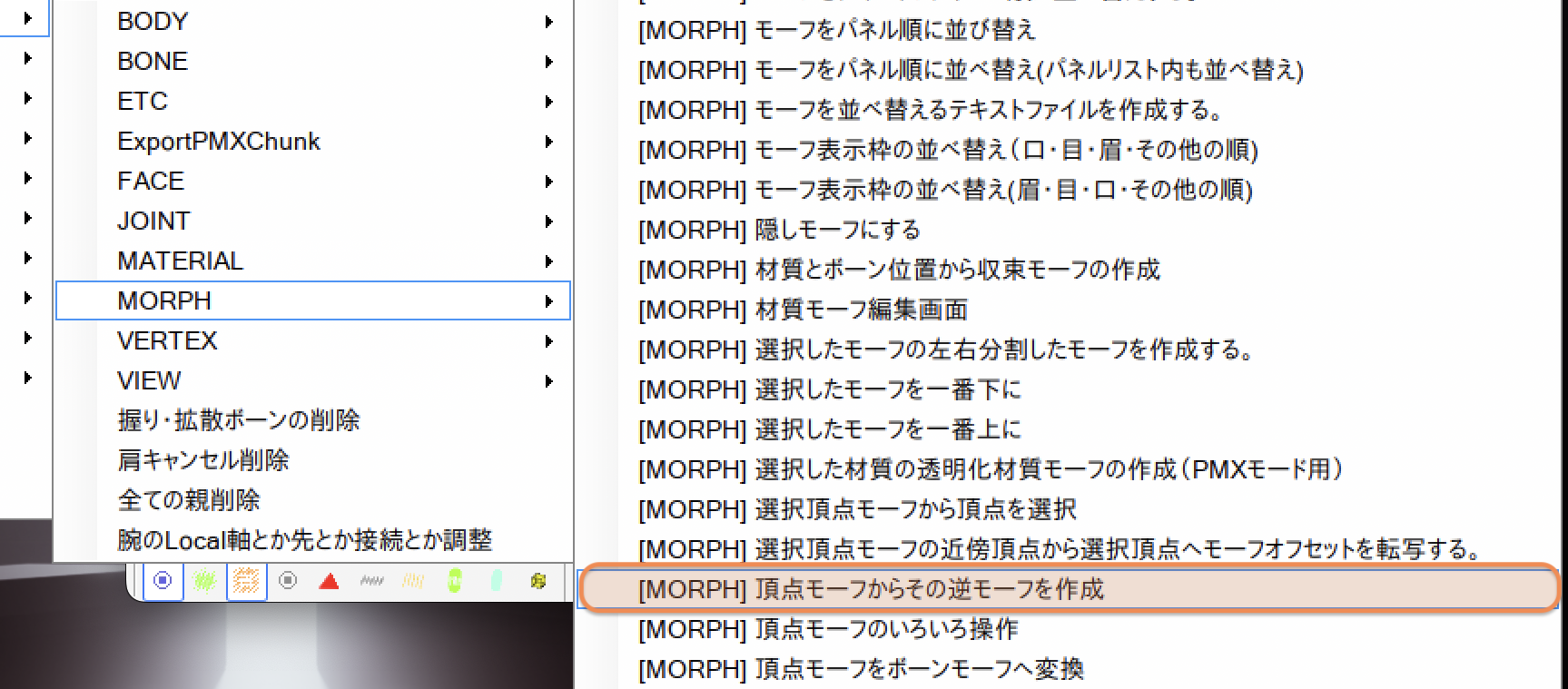
- morph reverse: 頂点モーフからその逆モーフを作成 (under MORPH)
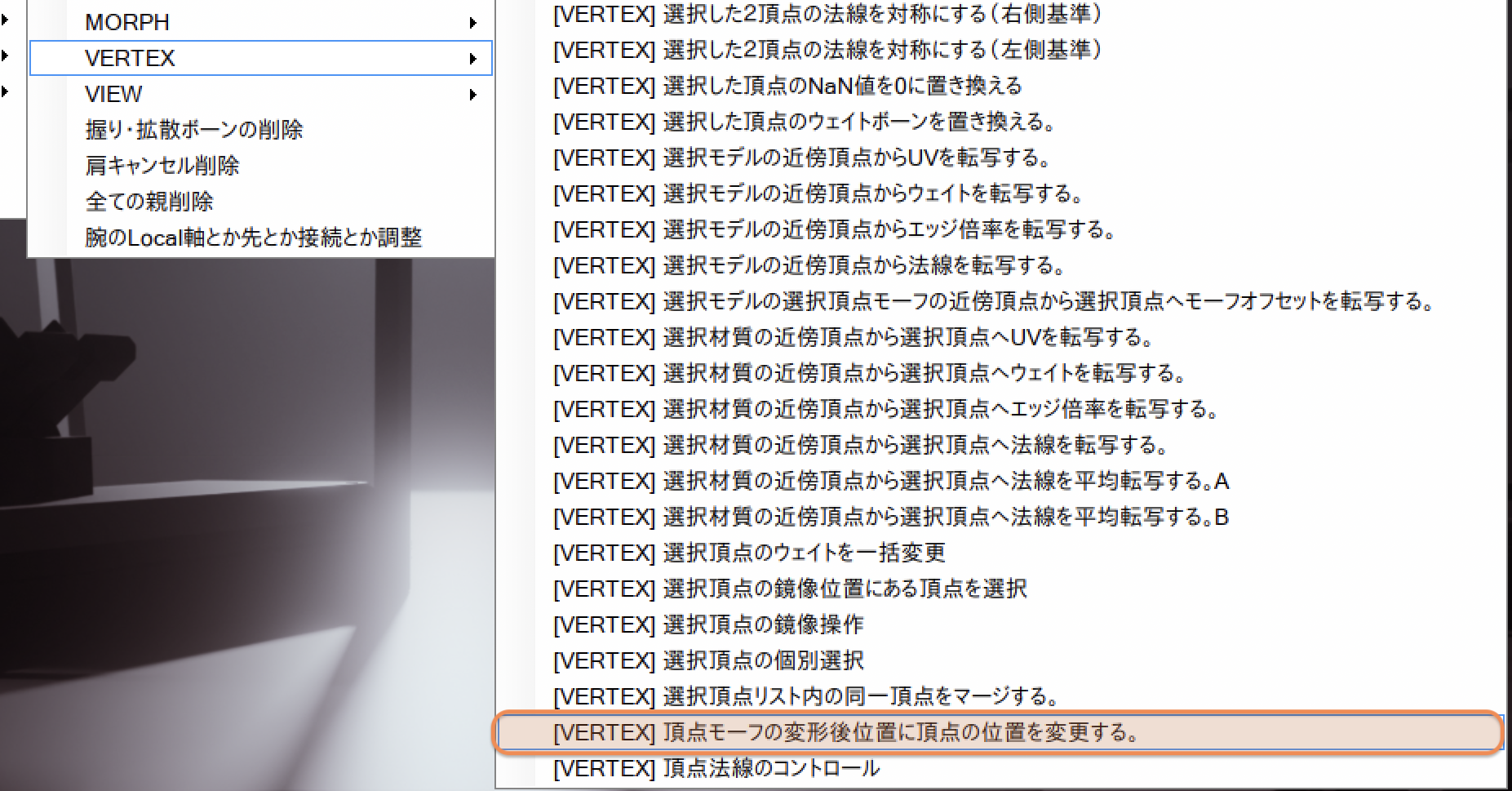
- morph apply: 頂点モーフの変形後位置に頂点の位置を変更する (under VERTEX)
Also, in TransformView, if you uncheck Vertex Morph Normalize - Save/Update, you can apply the vertex and group morphs. Bone & UV morphs can be applied without unchecking normalize, but material morphs can never be applied.
To apply morphs, change morph values from bottom corner and click Update Model -Curent Deformed State-.